

Alerts that start conversations
Bark is strongest when parents want risk alerts and context, not just a timer that shuts apps off.
Whether your child already has a device, needs a first phone, or just needs calls and location, We helps you choose the smartest next step.
Answer a few simple questions and discover the Bark option that best fits your family.

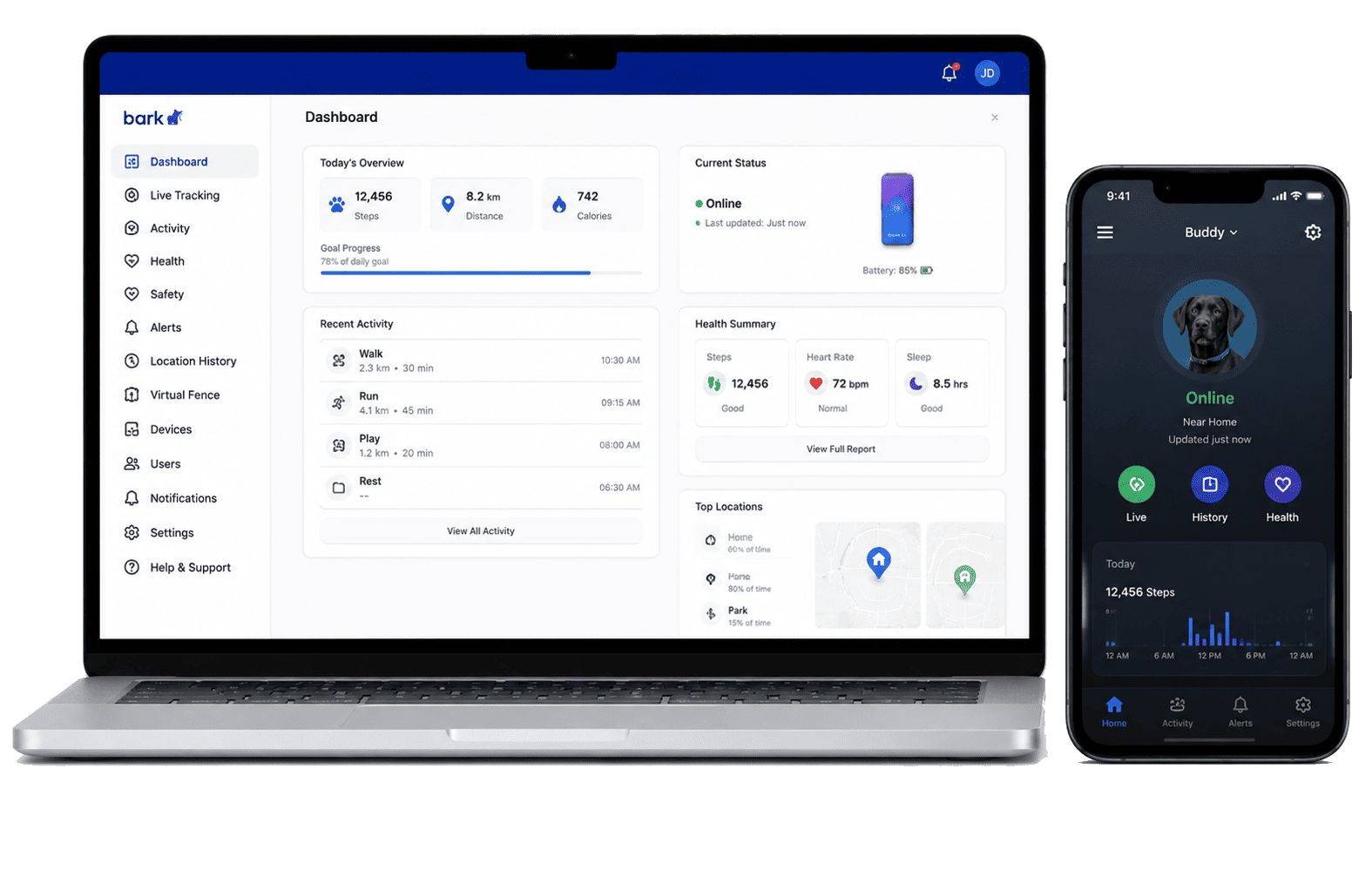 Bark App / Premium
Monitoring, alerts, and screen-time tools for current devices.
Phone/tablet safety
2
First phone
Bark App / Premium
Monitoring, alerts, and screen-time tools for current devices.
Phone/tablet safety
2
First phone
 Bark Phone
Safer first smartphone with built-in parental controls.
Safer first phone
3
Calls & location
Bark Phone
Safer first smartphone with built-in parental controls.
Safer first phone
3
Calls & location
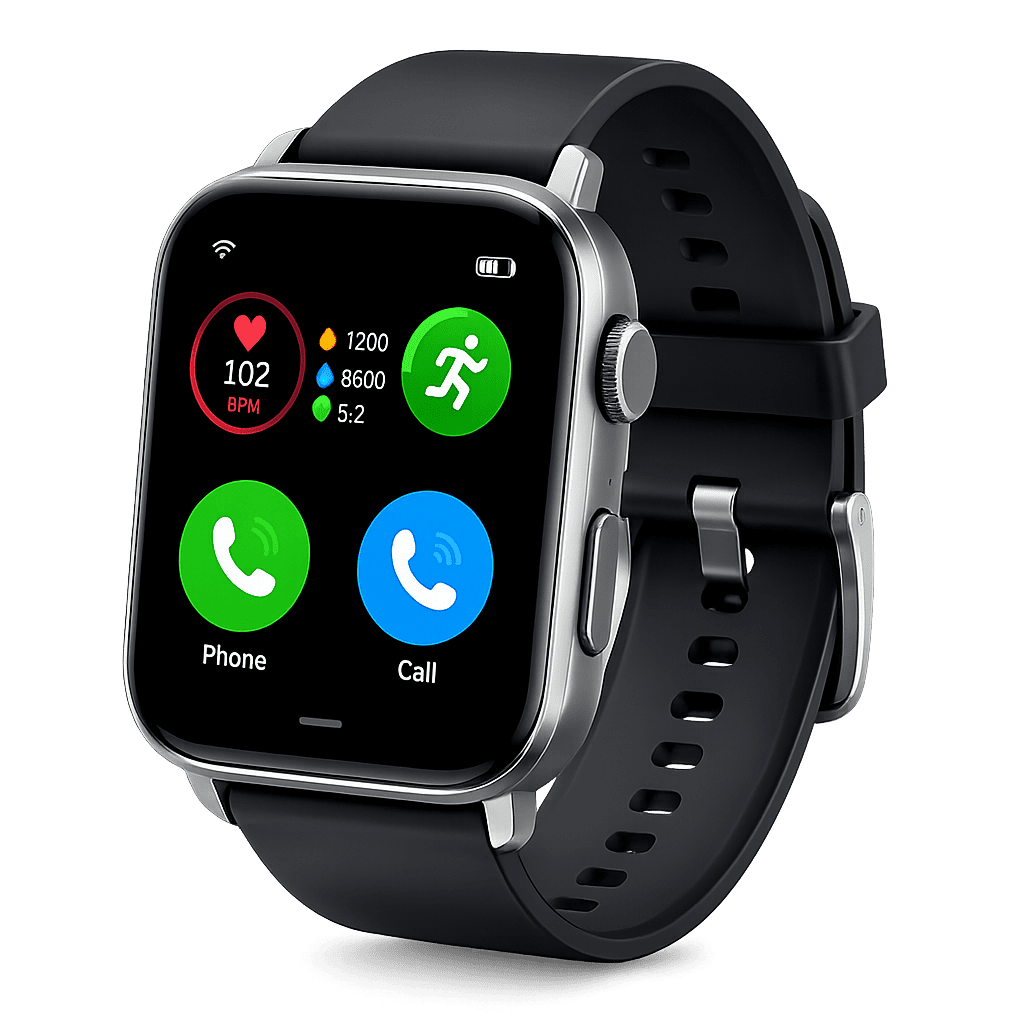 Bark Watch
Calls, texts, and location for kids not ready for a full phone.
Low-distraction contact
4
Home controls
Bark Watch
Calls, texts, and location for kids not ready for a full phone.
Low-distraction contact
4
Home controls
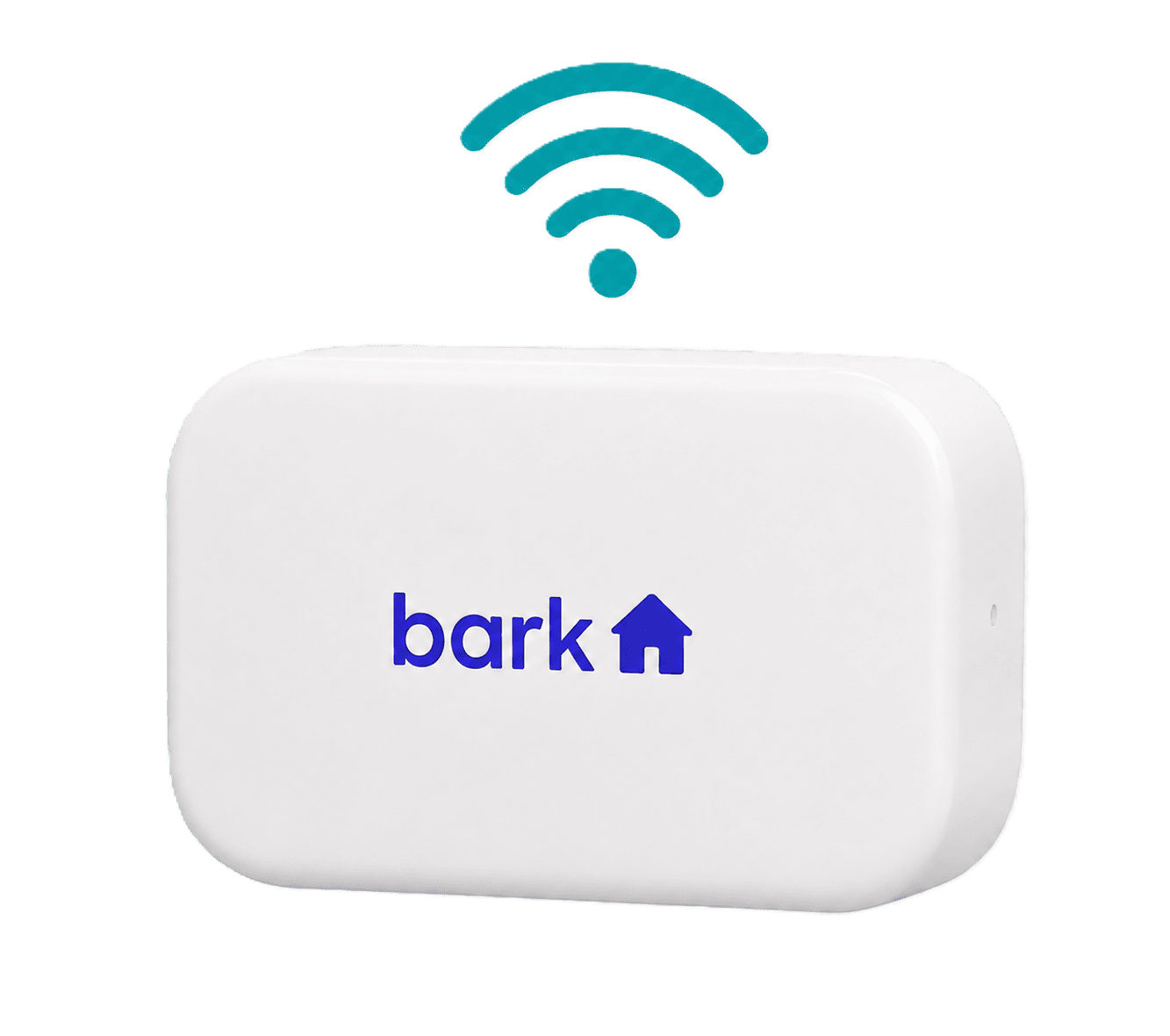 Bark Home
Screen-time and website controls for internet-connected devices at home.
Whole-home limits
Bark Home
Screen-time and website controls for internet-connected devices at home.
Whole-home limits
One clear side-by-side view
Important details are grouped into one chart, so parents can compare options without jumping between product cards.
| Family need | Bark App | Bark Phone | Bark Watch | Bark Home | Bark Sync | Phone Pro |
|---|---|---|---|---|---|---|
| Best starting point | Existing phone or tablet | Protected phone from day one | Younger kids | Shared home devices | Easier iPhone monitoring | Active teens |
| Starting price | Starts at $14/mo7-day free trial | Starts at $29/mo+ device | $15/mo+ device | Starts at $6/mofree shipping | Starts at $6/mo+ Bark plan | Starts at $29/mo+ device |
| Monitor texts and apps | Yes | Yes | Texts | No | iOS | Yes |
| Concerning content alerts | Yes | Yes | Yes | No | iOS | Yes |
| Block apps & websites | Yes | Yes | No apps | Yes | No | Yes |
| Set screen time limits | Yes | Yes | No | Yes | No | Yes |
| Track location | Yes | Yes | Yes | No | No | Yes |
| Tamper-resistant controls | Setup | Yes | Yes | No | No | Yes |
| Approve or deny contacts | No | Yes | Yes | No | No | Yes |
| Pause or disable internet | Yes | Yes | No | Yes | No | Yes |
| Monitor iPhones and iPads easily | Setup | No | No | No | Yes | No |
| No games, browsers, or social media | No | No | Yes | No | No | No |
| Extra teen phone power | No | Standard | No | No | No | Yes |
| Choose option | Review App | Review Phone | Review Watch | Review Home | Review Sync | Review Pro |
Feature availability can vary by product, device, plan, and setup. Review the official Bark page before choosing.
Guidance before buying
We start with your family's real concern, then point you toward the option that solves it without asking you to pay for features you do not need.
Bark is strongest when parents want risk alerts and context, not just a timer that shuts apps off.

App, phone, watch, and home options let you match the tool to the child instead of forcing one setup.

If you only need home Wi-Fi limits, start there. If the concern is texts and apps, choose monitoring.
Bark makes the most sense when your concern is bigger than one feature: content risk, screen time, blocking, location, and parent guidance working together.

Clear guidance makes choosing easier.
Find the Bark option that matches your needs.
Tools and support bring peace of mind.
Build trust and healthy digital habits.
Answer a few simple questions and discover the Bark option that best fits your family.